
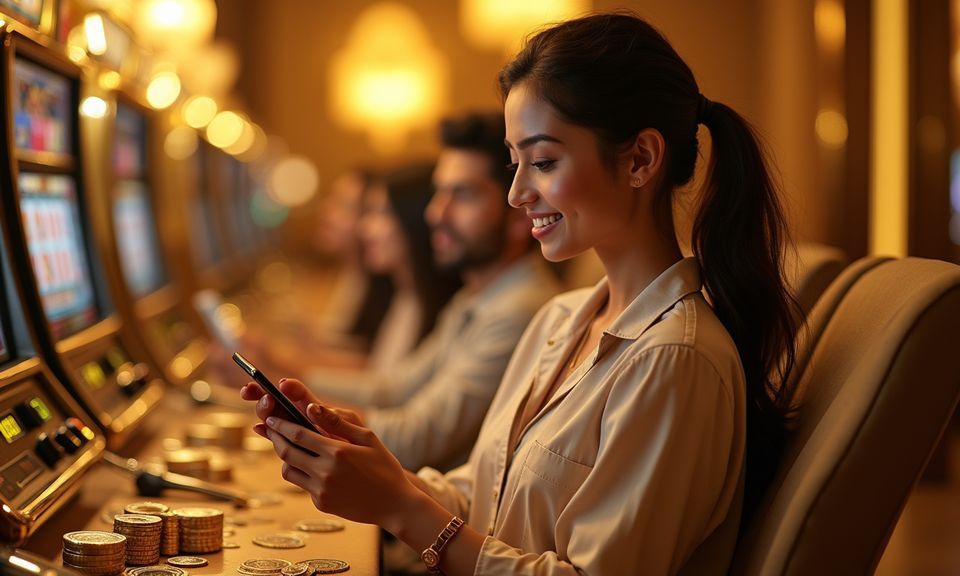
Mobile Access in 3 Steps
There is no APK to hunt down and no app-store listing to find — getting into the 66f222 lobby on mobile is a browser-first path. Open your phone browser and navigate to 66f222. If your browser prompts you to add the site to your home screen, accept it — that shortcut behaves like an app icon and skips the address bar on
return visits. Sign in with your account credentials; if biometric login is enabled on your device, confirm with your fingerprint or face ID. From there, the full lobby — including live tables, Jamuna King Slots, Football Derby Live, and the sportsbook — is available without further steps. Check that your browser is up to date for the smoothest experience.
- Open 66f222 in your mobile browser — Type the address directly or use a saved bookmark. Chrome and Safari both work well for the current site layout.
- Add to home screen when prompted — Your browser may offer a shortcut. Accepting it puts a 66f222 icon on your home screen for one-tap return access without typing the URL again.
- Sign in with biometric or password — Enter your account details or confirm with fingerprint if you have set that up. Your session stays active while you stay on the page.
- Check your device browser version — An outdated browser can cause layout issues. Update Chrome or Safari to the current release before your first session if pages are not loading cleanly.